
Send Flowers
80 products found



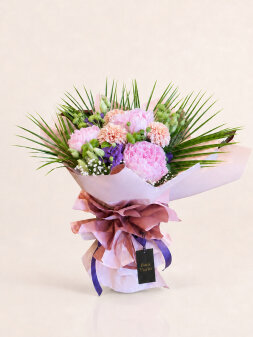


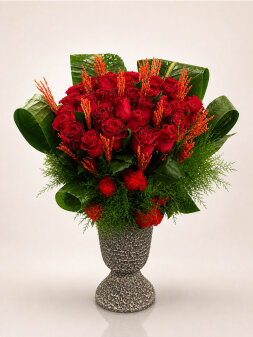
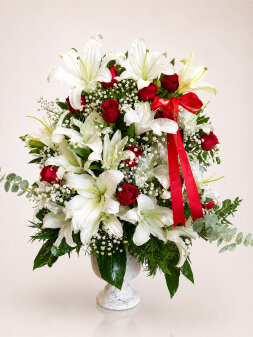
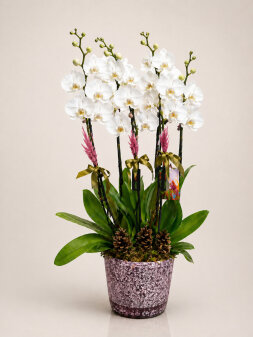
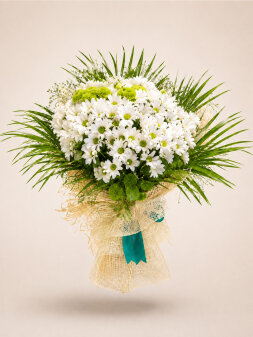




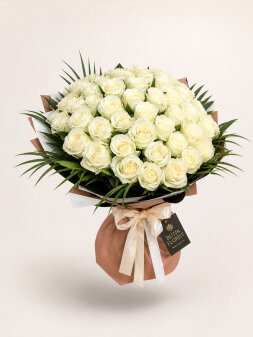

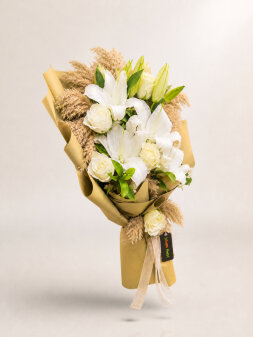
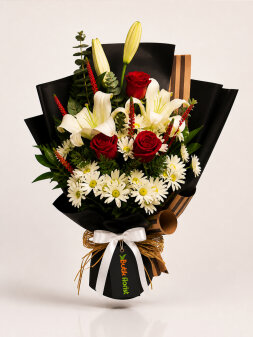
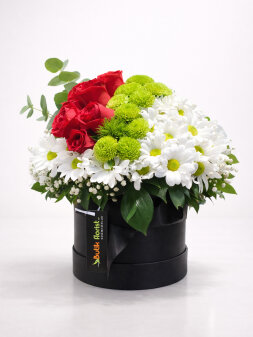

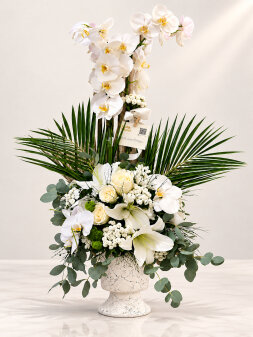
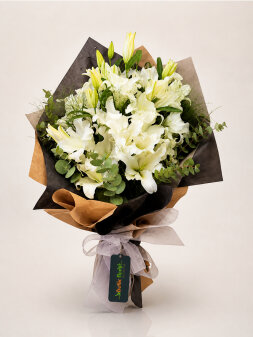

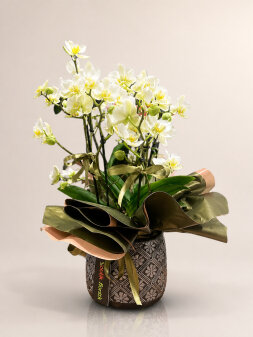

Send Flowers | Convey Your Feelings to Someone You Care About with Elegance
The send flowers service is a modern way to express feelings quickly and beautifully. Love, happiness, gratitude, apologies, and many other emotions can be conveyed through carefully prepared flower arrangements.
Today's online floristflower order within a few minutes and send flowers to someone you care about.
Why Is Sending Flowers Important?
Flowers communicate feelings powerfully when words are not enough. Sending flowers stands out as a meaningful gesture both on special occasions and in unexpected moments.
A flower bouquet can sometimes express feelings more effectively than a long message.
Most Popular Flower Delivery Options
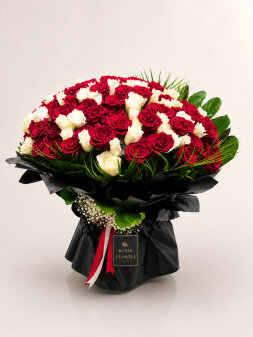
- Red Roses – A symbol of love
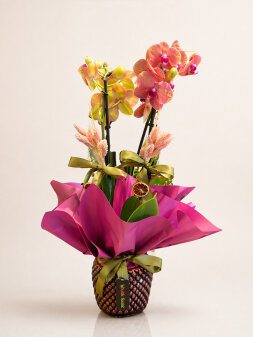
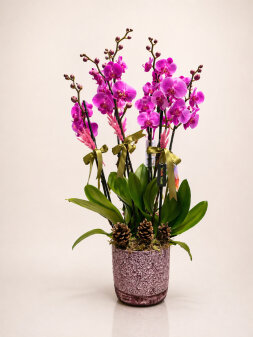
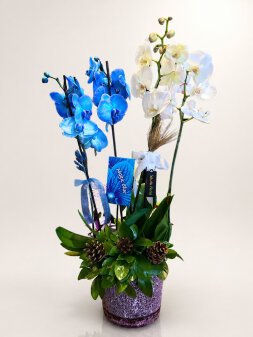
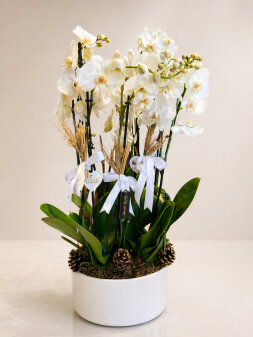
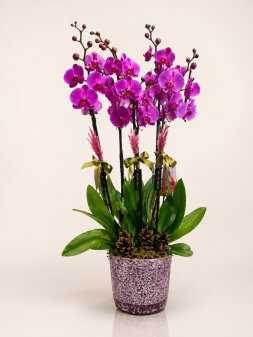
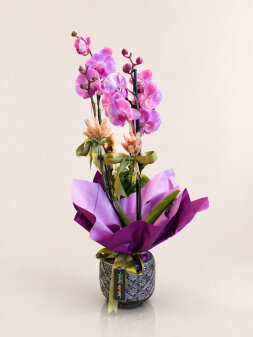
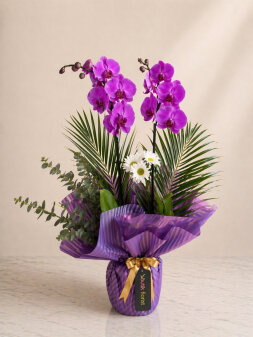
- Orchids – Elegance and sophistication
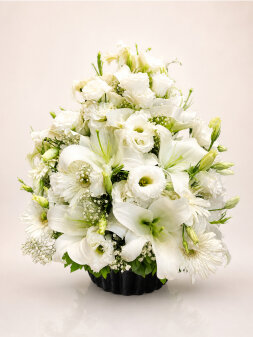
- Lilies – Purity and innocence
- Daisy Bouquets – Natural beauty and sincerity
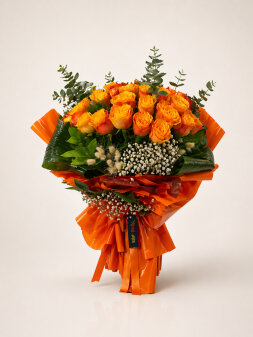
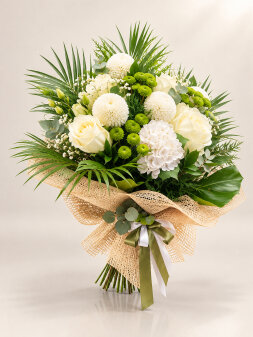
- Mixed Flower Arrangements – Colorful, bespoke designs
The Convenience of Sending Flowers Online
The send flowers online service lets customers place an order in a few steps. Choose the flowers, enter the address, and the order is prepared promptly.
Same-day flower delivery offers a significant advantage for urgent deliveries.
What Should You Consider When Sending Flowers?
- Choose flowers whose meaning suits the occasion
- Select fresh, high-quality products
- Provide the correct address and timing information
- Choose a design that suits the special occasion
Send Flowers on Special Occasions
Sending flowers is among the most popular gift choices for birthdays, Valentine's Day, Mother's Day, and anniversaries.
Flowers sent on these occasions strengthen emotional bonds and create memorable moments.
Conclusion
The send flowers service offers an easy, modern way to express your feelings elegantly. With fast delivery and a broad product selection, you can create a memorable experience for someone you care about.