
Flowers
80 products found
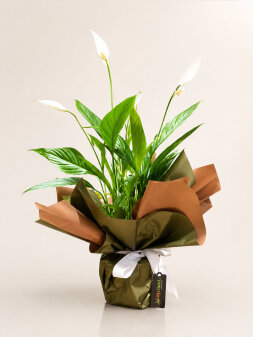
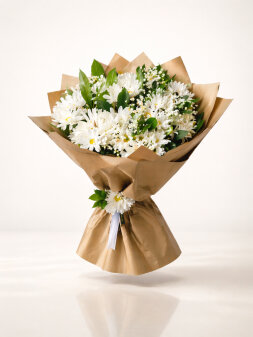
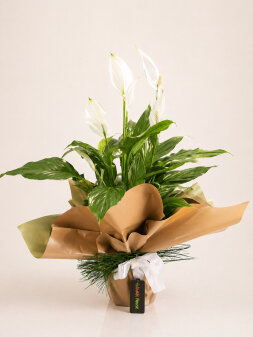
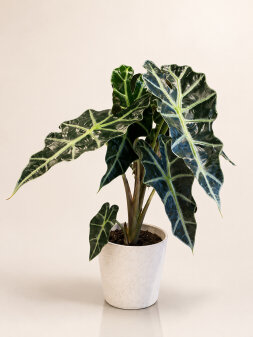
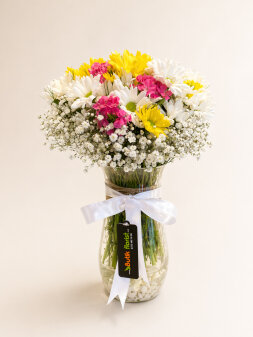
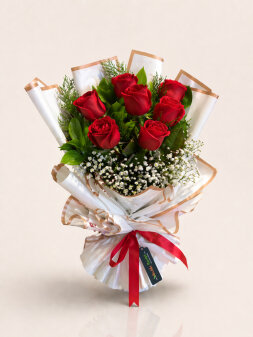
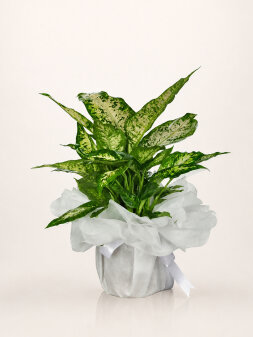
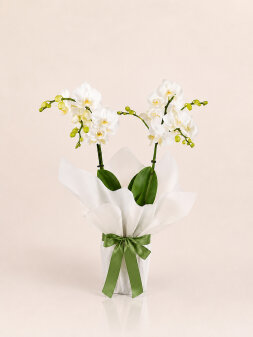
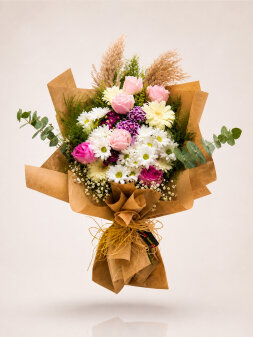
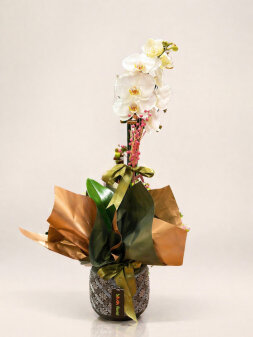
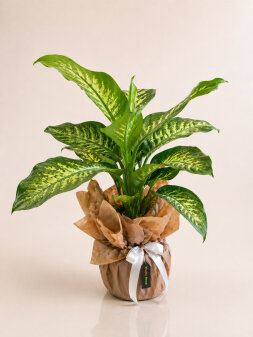

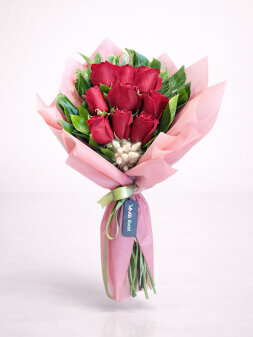
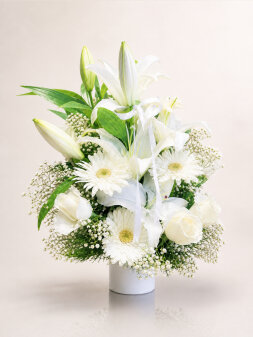
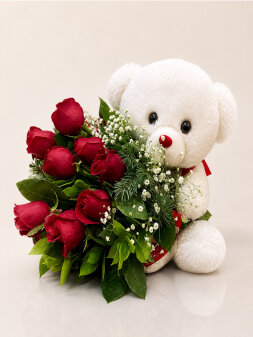
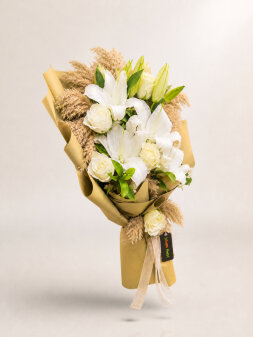
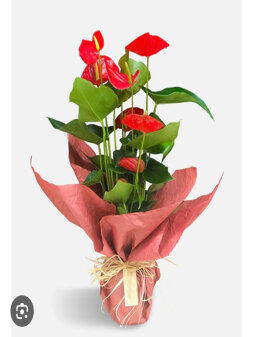
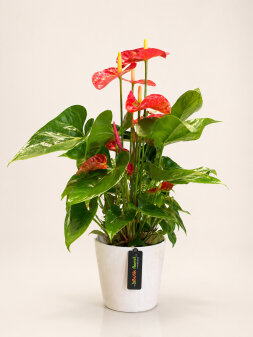
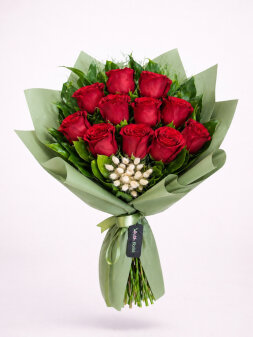
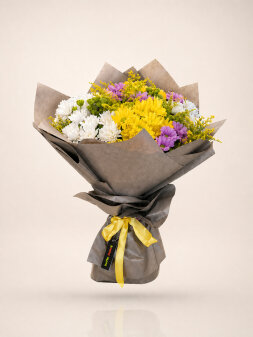
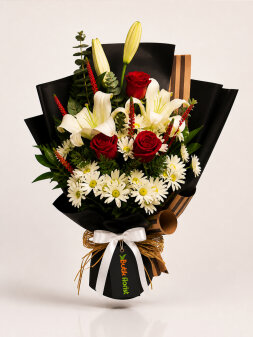
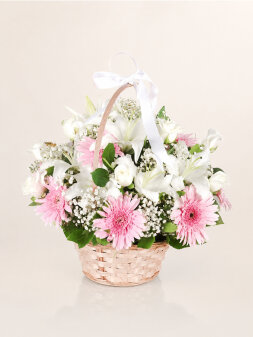
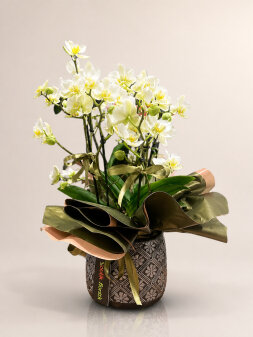
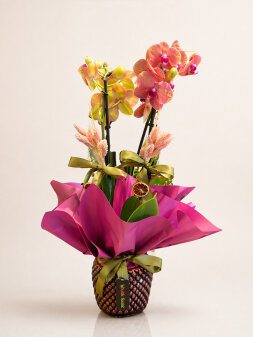
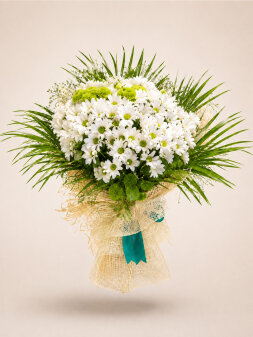
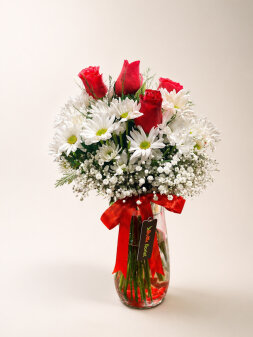
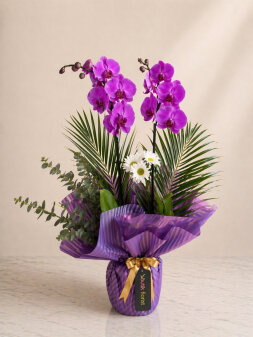
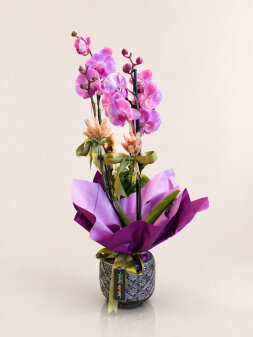
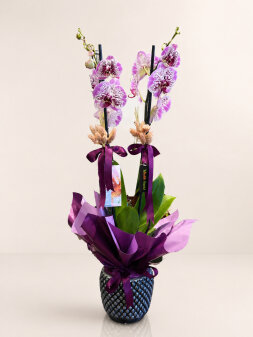
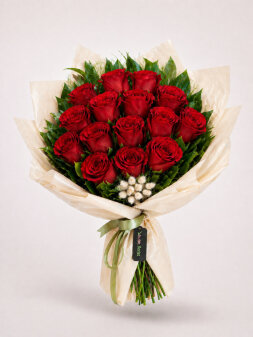
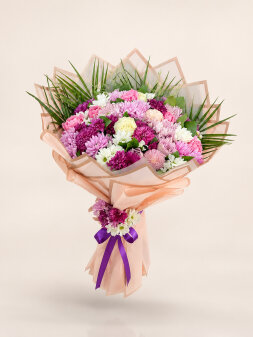
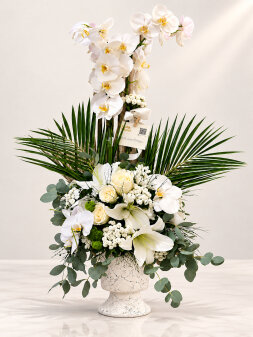
Flowers | An Elegant, Colorful Expression of Emotion
Flowers have been one of the most elegant and natural languages of communication throughout history, offering a special way to express emotion. These gifts from nature convey love, affection, happiness, and respect beautifully.
ButikFlorist brings together special flowers and boutique flower collections in a broad range that helps you speak this distinctive language with care.
Express Your Feelings with Beautiful Flowers
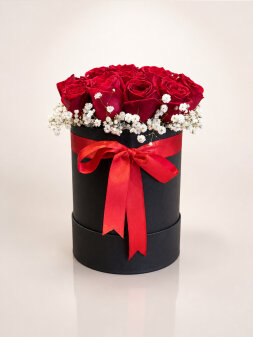
Red roses, the universal symbol of love, and orchids, which represent elegance, are among the most popular flower varieties. Each carries a different meaning, and these beautiful flowers help you communicate your feelings to someone you care about with impact.
Every flower tells its own story. Our carefully prepared collections are designed to deliver these stories to the people you care about with elegance.
Most Popular Flower Styles
- Rose Varieties (Red, White, Pink)
- Orchids
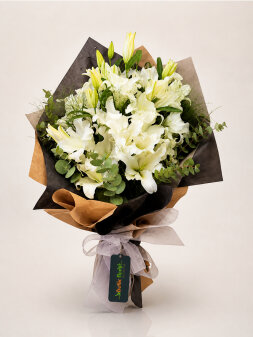
- Lilies and Lily Arrangements
- Daisy Bouquets
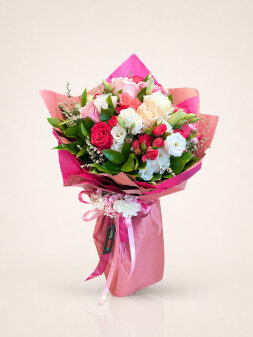
- Mixed Flower Baskets
- Chocolate Flower Arrangements
- Flowers with Plush Toys
- Fruit Baskets and Gift Boxes
Flower Orders and Delivery
Placing a flower order is now much easier. With ButikFlorist, you can send flowers or arrange a dependable flower delivery quickly.
Whether for a birthday, anniversary, or special celebration, our online florist service lets you deliver fresh, beautiful flowers to someone you care about.
Flower Choices for Special Occasions
Birthday flowers, Valentine's Day flowers, Mother's Day flowers, and apology flowers are among the most popular categories.
Flower arrangements prepared for every special moment help you express your feelings appropriately.
Benefits of an Online Florist
An online florist lets you order easily from wherever you are and benefit from fast delivery to many locations across Türkiye.
In addition to flowers, ButikFlorist makes special occasions more meaningful with chocolate arrangements, flowers with plush toys, and gift baskets.